
Forms and leads
Forms are built in the panel, placed on pages as a block, and their submissions arrive as leads: stored in the panel, mailed to the recipient, confirmed to the sender when wanted, and counted as a generate_lead conversion.
Forms
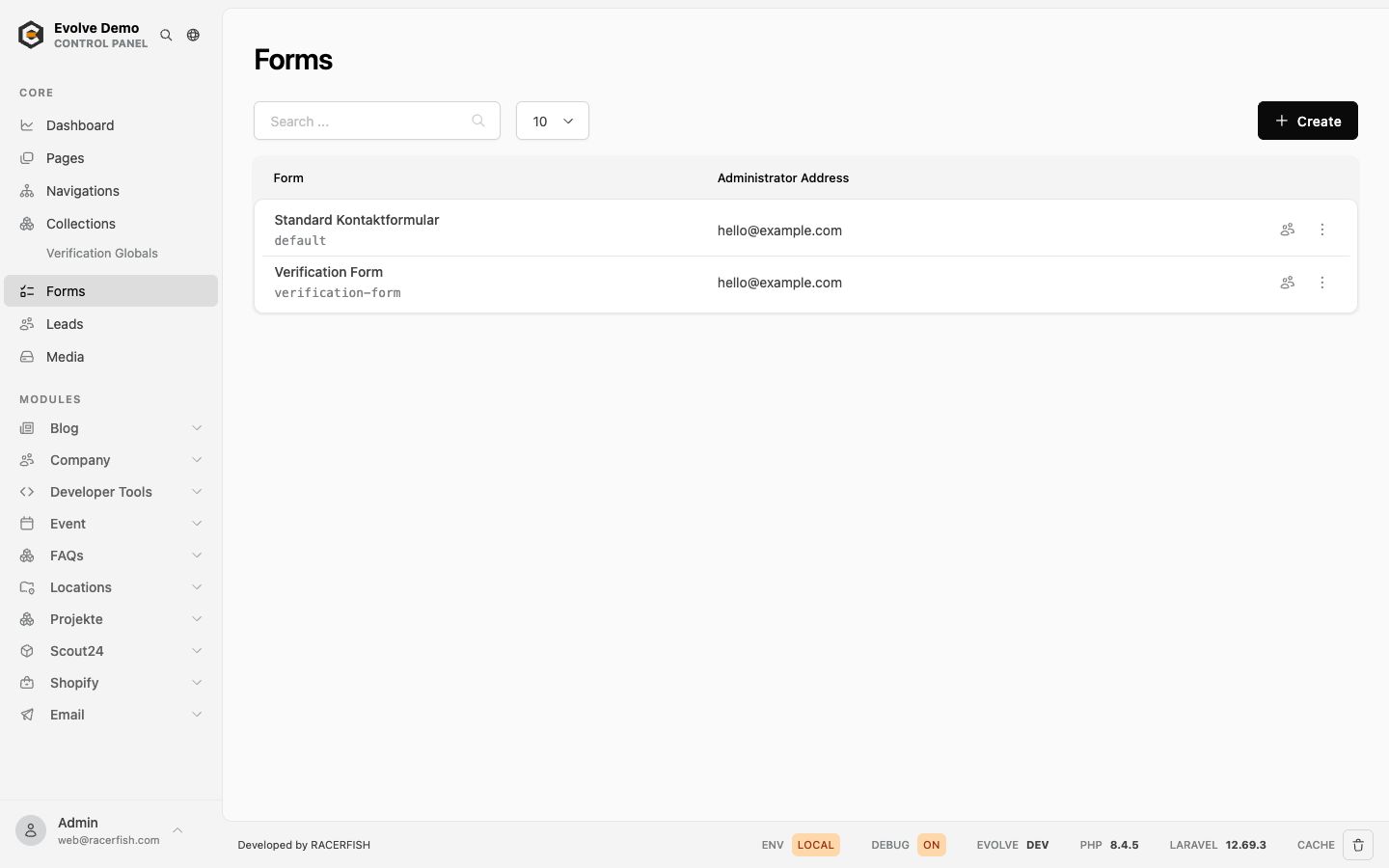
Forms at /evolve/form lists the forms; each opens in the form builder. A form has a label and a unique name (derived from the label, used in URLs and tracking), an active flag, its fields and its mail settings.
Field types: text, email, textarea, checkbox and file. Every field has a label, a placeholder, a required flag and a width; file fields accept several files. Fields are arranged by drag and drop, with a preview next to the builder.
Mail settings per form:
| Setting | Effect |
|---|---|
| Recipient address | Where the new-lead notification goes. Empty means the notification address from Settings > Mail; without that, the notification is skipped and a warning logged (2.18). The form list shows the effective recipient or a "No recipient" badge. |
| Reply-to address | Reply-To of the visitor's confirmation. Empty means the reply-to from Settings > Mail, then the sender. |
| Sender name and address | The From of the mails, falling back to the sender on Settings > Mail (fallback MAIL_FROM_*). |
| Confirmation subject and body | When set, the person who submitted receives a confirmation mail with this text. |
| Redirect URL | Where the visitor lands after a successful submission, instead of the form page with a success message. |
| Confirmation and notification template | A mail template built from blocks replaces the confirmation to the visitor or the notification to the team (2.19, part of the core since 2.22). "Standard mail" keeps the mails above. |
Forms with a type 2.17
A module can bring form types: forms whose fields are defined in code, for example a callback request or a search profile. When at least one type is installed, New form shows a Type select. Leave it on Form builder for a normal form, or pick a type.
- The type is fixed once the form exists. To switch, create a new form.
- The form list shows the type as a badge next to the label.
- The builder shows the type's fields read only, with a note where they come from. Label, recipients, sender, confirmation mail and redirect are set as for any form.
- If the module that provided the type is removed, the form shows the type as not installed. Its settings can still be edited, but the fields are gone, so remove the form from its pages.
How to write a type is described in Form Types.
Uploads are governed by evolve.forms in config/evolve.php: allow-files (default on), max-file-count (5) and max-file-size (10000 KB). No .env keys.
Marketing (contact sync) 2.17
With the email module and a provider configured (EMAIL_DRIVER, see Brevo), the settings drawer of every form has a Marketing card. It decides whether the form's leads become contacts at the provider, on which lists, with which attributes and under which consent. Without EMAIL_DRIVER the card only says that contact sync needs an email provider.
The panel labels are German; the English panel uses the translation in brackets.
| Setting | Effect |
|---|---|
| Kontakt-Synchronisation (Contact sync) | On: each submission creates or updates a contact at the provider, identified by the email address. Leads without an email address are stored but not synced. |
| Listen (Lists) | The provider's lists, with their contact counts. The contact is added to the ticked ones. None ticked means a contact without list. The lists are read from the provider and cached for ten minutes; when the provider is unreachable the card says so. |
| Marketing-Einwilligung (Marketing consent) | Keine (None), Checkbox or Double-Opt-in (Double opt in), see below. New forms start on Checkbox. |
| Einwilligungs-Checkbox (Consent checkbox) | Which checkbox of the form carries the consent. Default accepts_marketing, the select offers every checkbox field. Its label is stored with the lead as the consent text. Hidden under None. |
| Nur mit Einwilligung synchronisieren, sonst nur den Lead speichern (Only sync with consent) | On: a submission without consent stays a lead and never reaches the provider. Off: it is synced without lists. Hidden under None. |
| Seite nach der Bestätigung (Page after confirmation) | Double opt in only. Where the visitor lands after clicking the confirmation link, see After the confirmation. |
| Feld zu Attribut (Field to attribute) | One row per form field: the provider attribute it goes to. Empty means the field is not synced. Names are uppercase letters, digits and underscores, starting with a letter; the field suggests the attributes the account has. A name the account does not have yet is created as a text attribute when the form is saved. Email, first and last name and the consent checkbox are not listed, they are transferred automatically. File, heading, paragraph and hidden fields cannot be mapped. Values of multiple choice fields are joined with commas. |
| Feste Werte (Fixed values) | Attribute name and value pairs set on every contact of this form, for example a campaign tag. |
Phone, company, city and postcode are not mapped by default, because attribute names differ per account (and Brevo's SMS attribute expects the number in international format, +41…). Map them by hand where needed.
Under the mapping, a form with a type shows "Der Formular-Typ überträgt zusätzlich: …" (The form type also sends), the attributes the type computes on its own. Do not map their source fields a second time.
Every synced contact also gets the standard attributes: first and last name, SOURCE_SITE, SOURCE_FORM (the form's name), SOURCE_DATE, LANG (the language of the submission) and, once there is consent, CONSENT_MARKETING, CONSENT_DATE and CONSENT_TEXT_VERSION. When the same attribute comes from several places, the form type wins over the fixed values, which win over the field mapping, which wins over the standard attributes.
Consent modes
| Mode | Consent box ticked | Not ticked |
|---|---|---|
| Keine (None) | The checkbox plays no role. The contact is synced onto the lists without marketing consent. | |
| Checkbox | The contact goes onto the lists with the consent attributes, the lead shows "Marketing erlaubt". | The contact is synced without lists, or not at all with "only sync with consent". |
| Double-Opt-in | The provider mails a confirmation link. The contact waits as pending and is not on any list yet; the lead shows "Bestätigung ausstehend". After the click the provider adds the contact to the lists and the lead records the consent with the time of the click. | As for Checkbox. |
A double opt in form without the consent checkbox (a plain newsletter sign up with only an email field) counts every submission as a request for the confirmation mail. An address that has already confirmed gets no second mail, it is put on the lists directly. The confirmation mail itself is a template at the provider, see Brevo.
A provider error never reaches the visitor. The lead is stored, the lead drawer shows "Sync fehlgeschlagen", and the sync is retried daily, see Failures and retries.
After the confirmation
The link in the confirmation mail leads through the provider to a signed address on the site (/api/email/doi/confirmed), which records the consent. Clicking it twice does no harm. Then:
- With a page after confirmation, the visitor is redirected there with
?confirmed=<form name>added. If that page holds the same form, the form shows "Vielen Dank, Ihre E-Mail-Adresse ist bestätigt. …" in its place instead of the fields. Pointing it at the page the form is on is the simplest setup. - Without, the site shows a confirmation page of its own: the theme's
theme/views/email/doi-confirmed.blade.phpwhen the project has it, else a plain page from the module.
That page speaks the language the form was submitted in.
Projects with a copied theme
Projects whose theme was copied from the starter or with theme:publish before 2.17 do not get the frontend part automatically:
theme/views/components/form.blade.phpneeds the branch that shows the confirmation, between the success message and the form:blade@elseif(request('confirmed') === $form->name) <x-ui.alert type="primary" id="form{{ $form->name }}"> {{ __('evolve::forms.messages.subscription-confirmed') }} </x-ui.alert>Without it a page after confirmation shows the empty form again. The same release added an alert for failed spam checks (
evolve::forms.messages.verification-failed) and keeps the values of select and checkbox fields after a validation error; compare the file with the package'stheme/theme/views/components/form.blade.php, and theform-elements/selectandform-elements/checkboxcomponents.Copy
theme/views/email/doi-confirmed.blade.phpfrom the package for a confirmation page in the site's layout. Without it the plain page is used.
Copied panel views of the form list (form.index, without it the Marketing card does not show) and of the lead drawer (lead._form) are listed by php artisan evolve:view-overrides --since=<old version>, see Overridden Panel Views.
On the site
The theme renders a form through the form block (and the x-form component for custom templates), posting to api/form/{name}. A submission runs validation, the spam checks, the keyword and script filters, then stores the lead with its attachments, sends the notifications, records the server-side generate_lead event with an event ID the browser reuses for its own dataLayer push, and redirects. On a validation failure the visitor sees the form with the errors. Submissions through a cached page work: the theme refreshes the CSRF token and the honeypot timestamp on load.
Spam protection has its own page: Form Spam Protection covers the honeypot, the timing gate, reCAPTCHA and the theme integration. In addition, evolve.forms.blocked-keywords (bitcoin, casino, viagra and similar) and blocked-patterns (Cyrillic, Arabic and Han scripts) reject a submission that contains them; both lists are config only and meant to be adjusted per project.
Leads
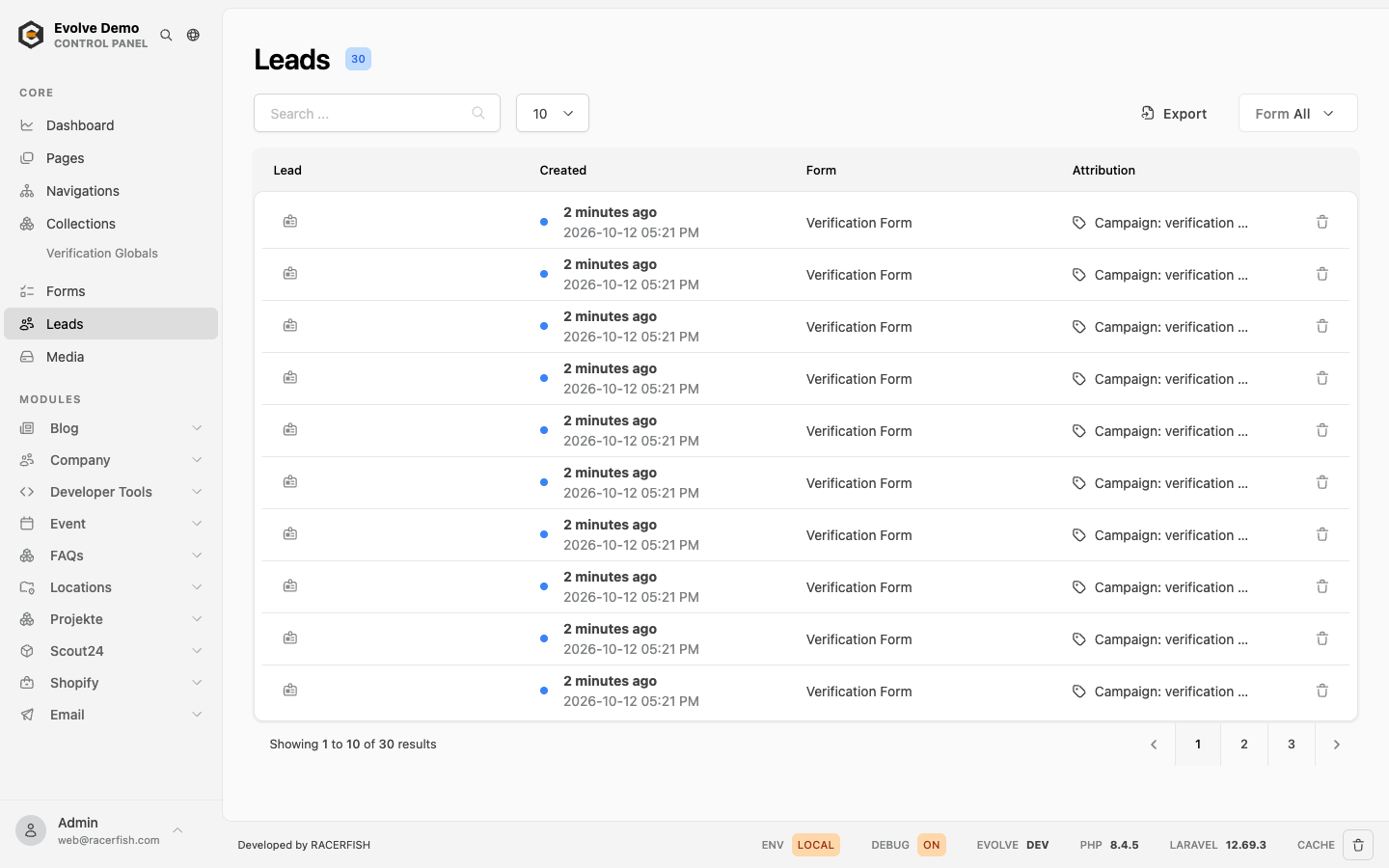
Leads at /evolve/lead, optionally filtered by form, lists every submission newest first. A lead opens in the drawer with its fields, attachments (downloadable), the page it was sent from and the attribution recorded by the footprints cookie (first landing page, referrer, UTM parameters), with previous and next navigation. Unread leads are marked; the list can be exported for the filtered form.
Fields a form type stores outside the standard lead columns appear with the other custom fields of the lead. When the visitor ticked the consent checkbox (accepts_marketing, or the field chosen in the Marketing card), Evolve also keeps the exact checkbox text, the time and a hash of the text as proof of consent (2.17).
Under the name, the drawer shows the marketing and sync state of the lead (2.17):
| Shown | Meaning |
|---|---|
| Marketing erlaubt (Accepts marketing), "Einwilligung" with time | The visitor consented; under double opt in, the time is the click on the confirmation link. |
| Kein Marketing (Denied marketing) | The consent checkbox was not ticked. |
| Bestätigung ausstehend (Confirmation pending), "Bestätigungsmail gesendet" with time | Double opt in: the visitor ticked the box, the confirmation mail went out, the click is still missing. |
| "Synchronisiert" (Synced) with time | The lead reached the provider at that time. |
| Sync fehlgeschlagen (Sync failed) | The provider refused or was unreachable. Hover the badge for the error. The daily retry clears it once the sync succeeds. |
Leads of forms without contact sync show no sync state.
Notifications:
| To | When | |
|---|---|---|
| New lead received | the form's recipient address | every submission |
| Lead received confirmation | the sender | when the form has a confirmation subject and body |
On staging and development the mail safety redirect applies, so both mails land in EVOLVE_MAIL_REDIRECT; see Mail.
Verifying
Submit the form from an incognito window with real-looking content. The lead appears in the panel, the recipient mail arrives (or lands in the redirect address on staging), the confirmation arrives when configured, and with TRACKING_DEBUG=true the log shows the generate_lead delivery. A submission that bounces with the verification message points at the spam checks.